01
Upload the full screenshot set
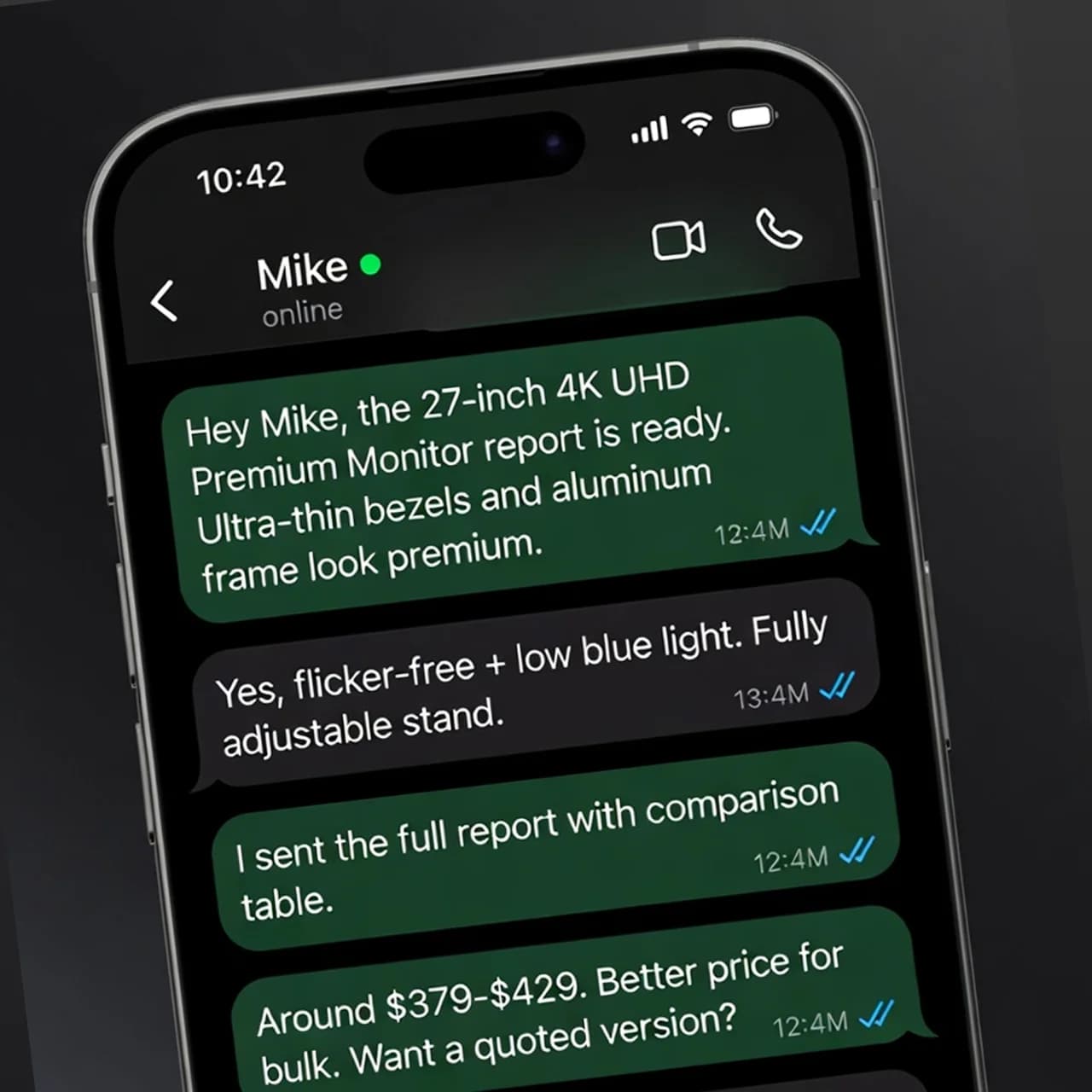
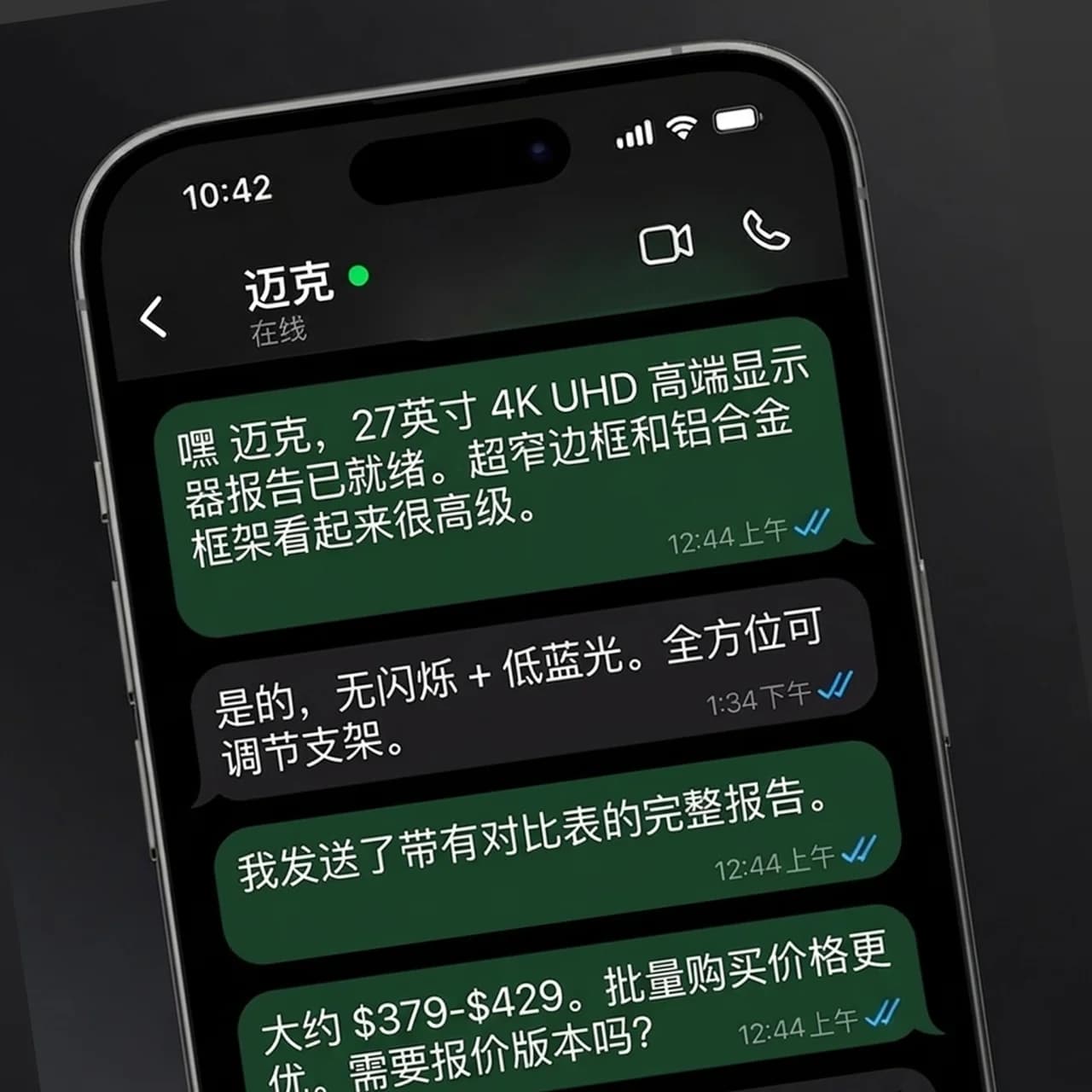
Use batch mode to upload a whole listing at once — the marketing caption at the top and the app interface inside the device frame are both detected.
Store screenshots are where most people decide whether to download, and in a market that doesn't read English they are mostly decoration. Upload your existing App Store or Google Play screenshots, pick a language, and get versions with the captions and in-app text translated in place — no re-exporting every frame from Figma for every locale.
App teams that already have a polished English listing and want it to read natively in more markets, without a designer rebuilding every frame per language.
Indie developers testing whether a new market is worth a proper localization
ASO and growth teams localizing screenshot sets for many storefronts at once
Product teams who localized the app itself but never the store listing
Agencies preparing localized screenshot drafts for client review
Use batch mode to upload a whole listing at once — the marketing caption at the top and the app interface inside the device frame are both detected.
Choose the storefront language. Then look hardest at your app name and feature names in the result — they are the words most worth getting exactly right.
Check each frame for text fit, then export at the exact pixel size App Store Connect or Google Play Console asks for before uploading.
A store screenshot is a headline plus a picture of your app. Both are translated, so the caption doesn't promise a feature in German above an interface still in English.
German and French run longer than English; Japanese and Chinese run shorter. Translated captions are re-fitted to the original area so a headline doesn't spill off the frame.
Batch mode takes up to 20 screenshots at once and returns them as a single ZIP, so one language for a complete listing is one upload.
Check the size first. Images are processed at up to 2048 pixels on the long edge, so a full-resolution iPhone screenshot comes back smaller than Apple's required dimensions and needs resizing to the exact size before upload. Google Play is more flexible about dimensions, but check it against the Play Console requirements too.
Both. Text on the marketing caption and text inside the app interface are detected and translated in the same pass.
Start with the markets where you already see downloads or search impressions. Localized screenshots are one of the cheapest ASO tests you can run: translate a set, ship it to one storefront, and compare conversion against the English version.
For a first version, usually yes — captions are short and the model translates them in context. For a market that matters, have a native speaker read the final set; a single awkward headline on the first screenshot costs more than the review does.
Upload an image, choose the target language, and let AI preserve the layout while producing a usable translated image.