Image translation workflows for real-world content
Different image types need different translation decisions. These guides explain how to translate screenshots, menus, document images and product visuals while preserving layout.
Screenshot Translator
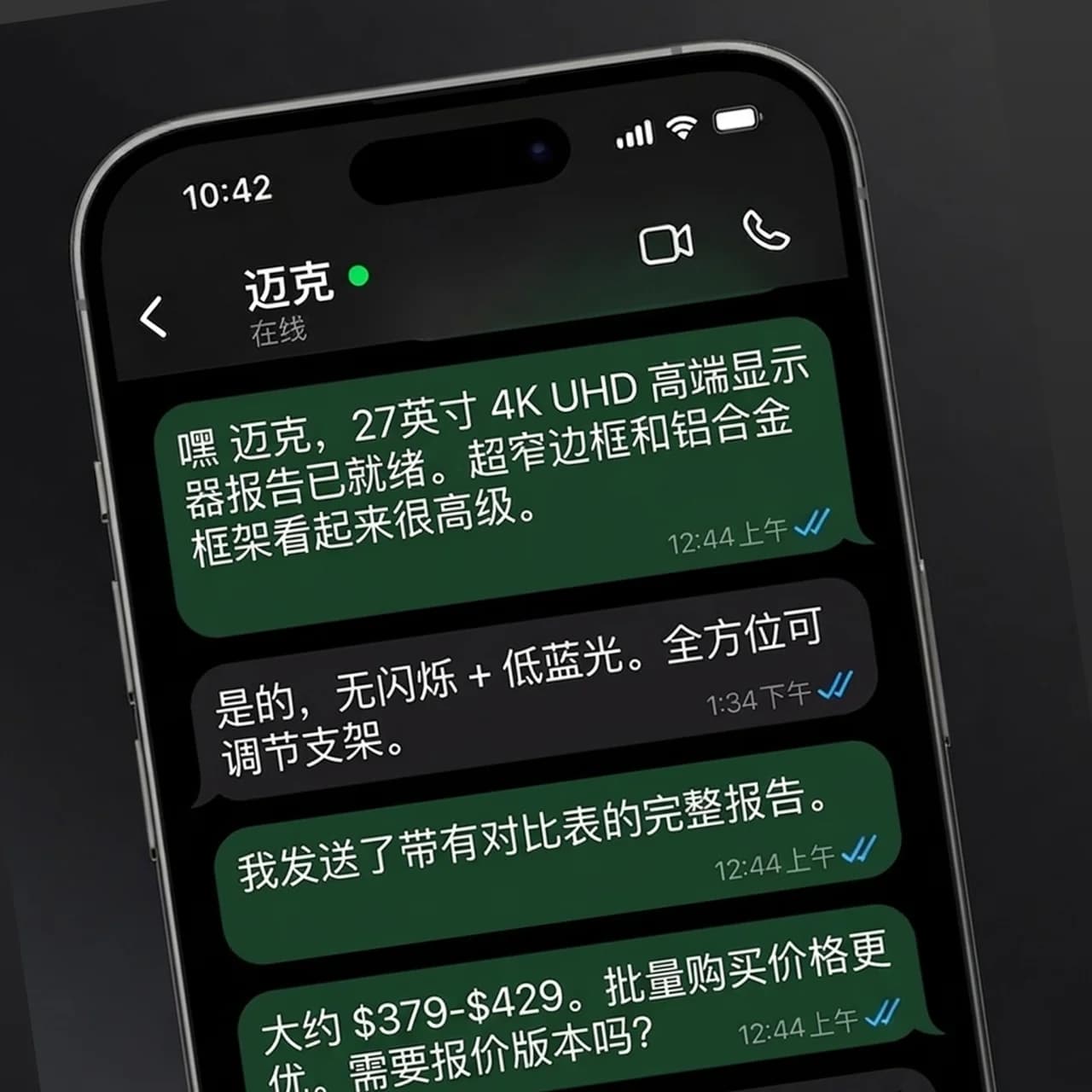
Translate screenshots without rebuilding the UI
Upload a screenshot from an app, website, help center or support ticket. PicTranslate detects text in the interface, translates it, and preserves the surrounding layout so the result still looks like a real product screen.
Menu Translator
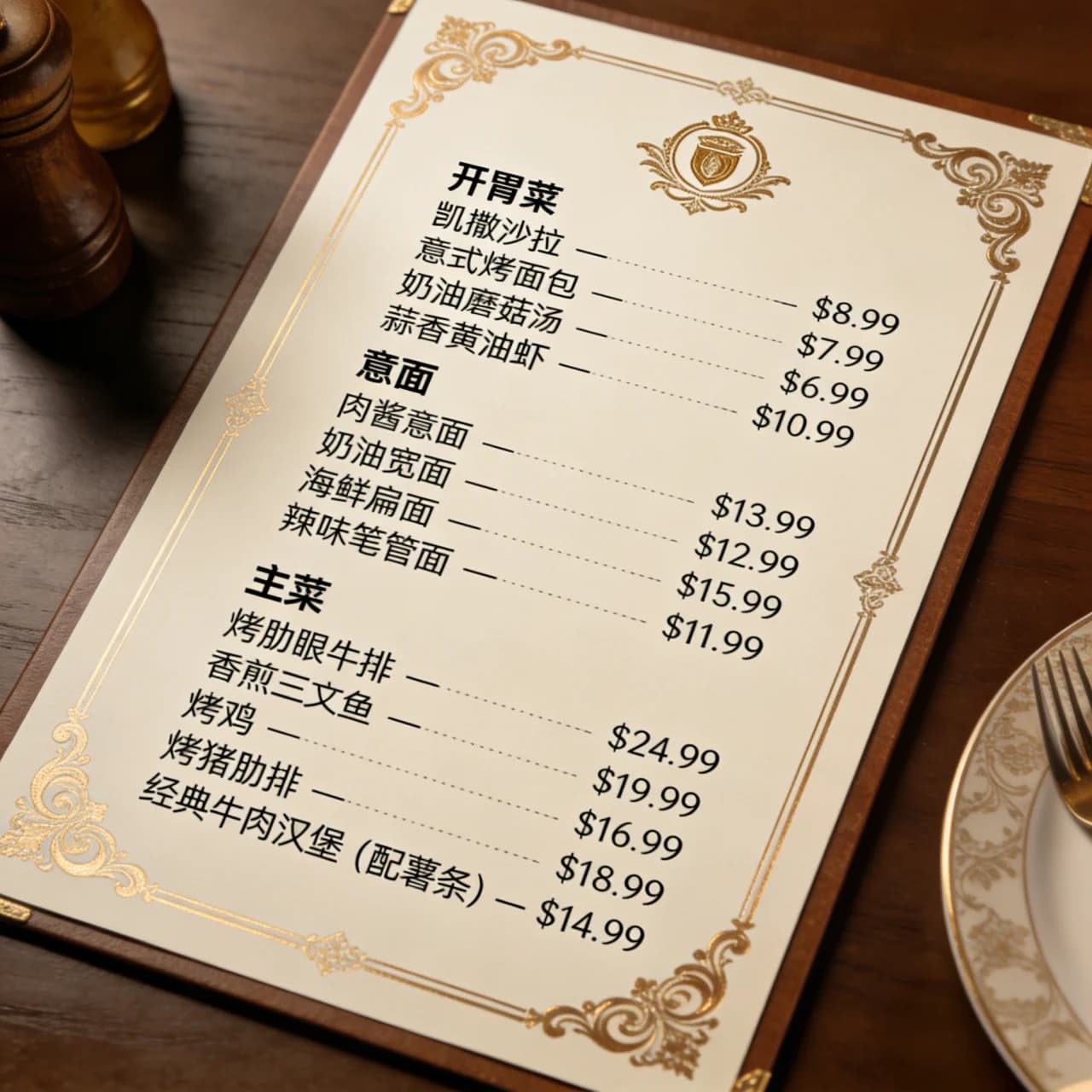
Translate restaurant menus from a photo
Turn menu photos, cafe boards and food-service images into translated menus that still look like the original. Useful for travelers, restaurants, hotels and local guides.
Document Image Translator
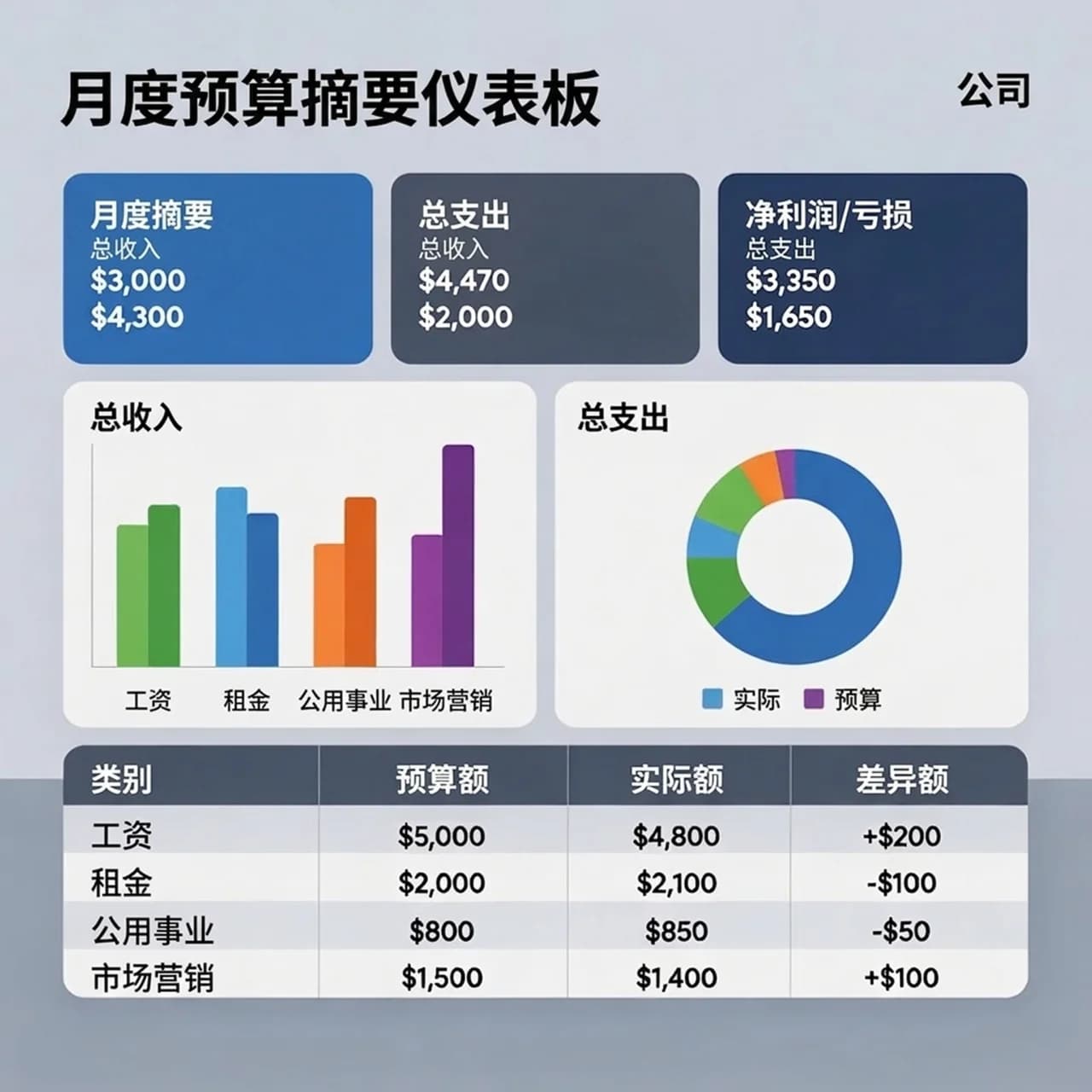
Translate scanned documents while keeping the layout
When a document is trapped inside an image, copying text is not enough. PicTranslate recognizes document text, translates it and redraws the translated content back into the original page structure.
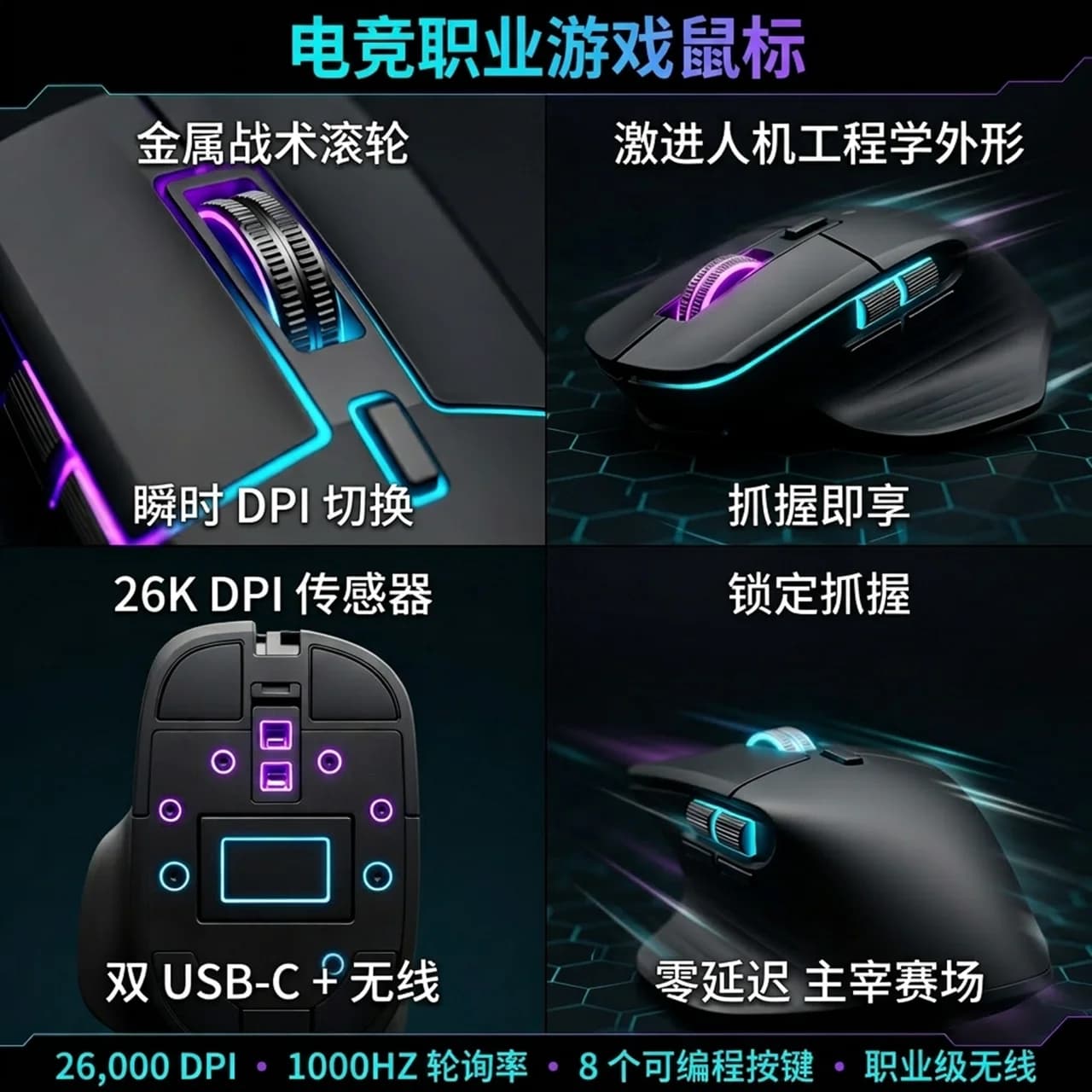
E-commerce Image Translator
Localize product images for global shoppers
Translate listing images, product detail graphics, promo banners and marketplace assets without sending every design back to a designer. PicTranslate keeps the visual selling structure intact.