01
Upload the screenshot
Use PNG, JPG, JPEG or WebP screenshots — no per-image size limit. High-resolution captures produce better text detection.
Upload a screenshot from an app, website, help center or support ticket. PicTranslate detects text in the interface, translates it, and preserves the surrounding layout so the result still looks like a real product screen.
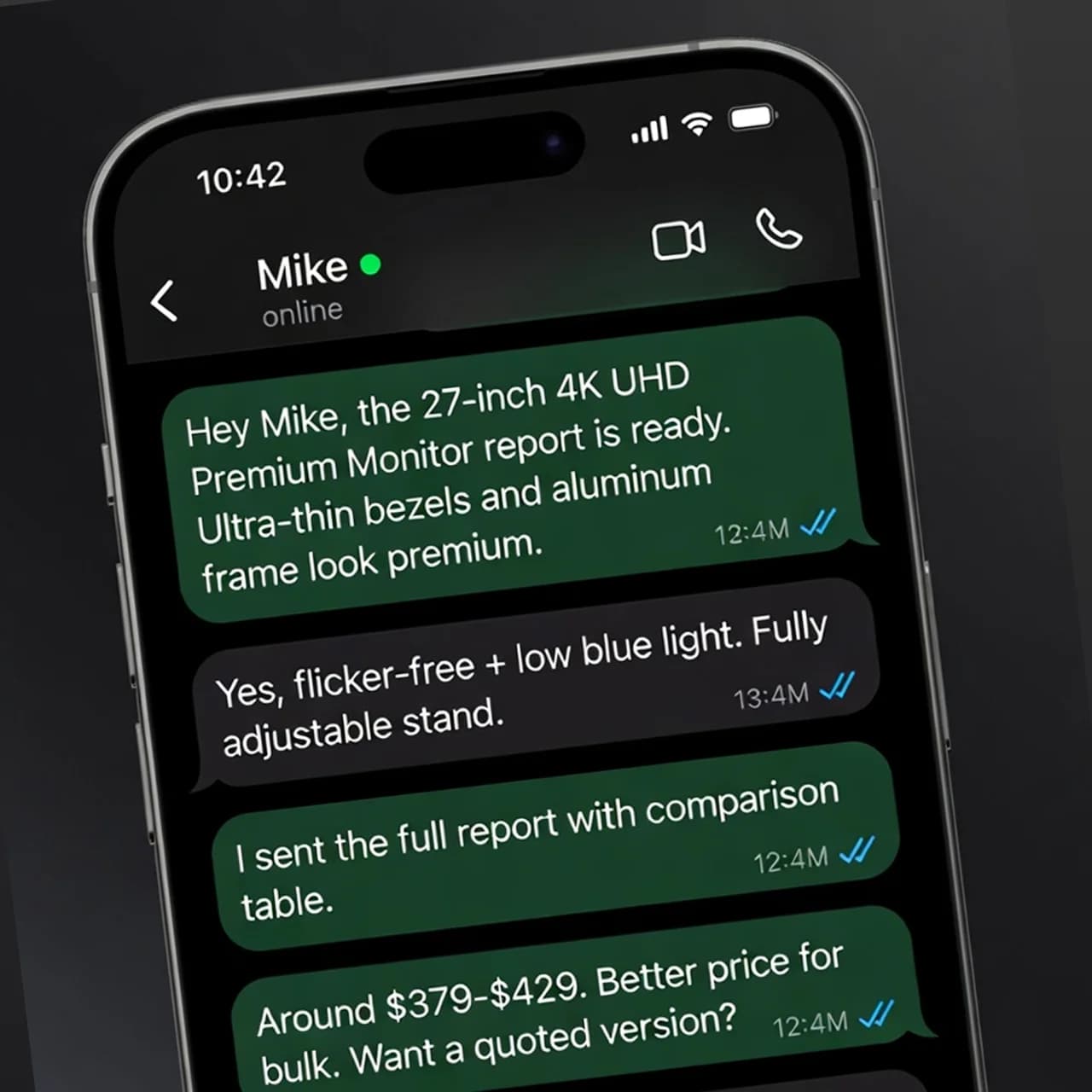
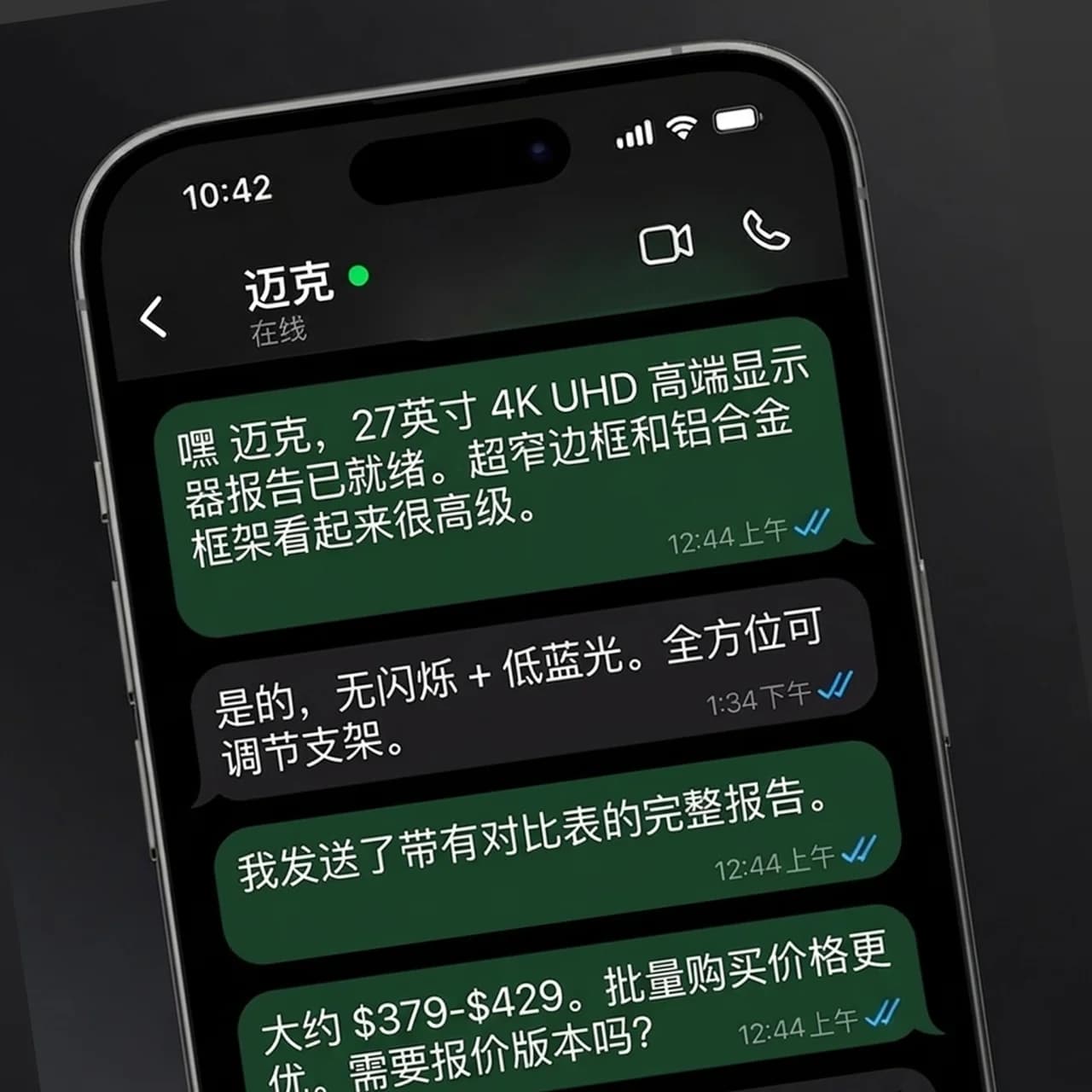
Screenshots often mix buttons, labels, dialogs and small helper text. A plain OCR translator loses that context; PicTranslate keeps the visual hierarchy intact.
App store screenshots and SaaS product tours
Website captures, onboarding flows and landing-page sections
Support tickets, error messages and help-center images
Product UI localization QA and design review snapshots
Use PNG, JPG, JPEG or WebP screenshots — no per-image size limit. High-resolution captures produce better text detection.
Auto-detect works for most screenshots, while manual source-language selection helps with mixed-language product screens.
The translated image keeps the original spacing, background and interface structure for quick review or publishing.
UI labels stay inside their original areas instead of becoming detached plain text.
Menus, placeholders and status labels are recognized alongside larger headings.
Create translated UI references before engineering has finished a full localized build.
Yes. Mobile screenshots, desktop screenshots and website captures are supported as long as the text is visible in the image.
PicTranslate is designed to redraw translated text back into the screenshot while preserving the surrounding visual layout.
Yes. It is useful for product managers, support teams and designers who need quick translated references before final UI implementation.
Upload an image, choose the target language, and let AI preserve the layout while producing a usable translated image.